https://github.com/mozhongzhou/vue-springboot-solr
写于2024-12-29
架构
前端vue3
后端springboot3.4.1
搜索引擎以及分词系统Solr9.7.0
原始数据库MySQL8.3.0
环境(环境变量等问题不解释)
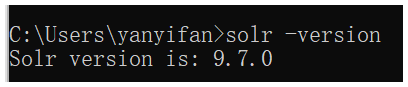
Solr9.7.0
MySQL8.3.0

Maven3.9.9
maven源该改就改,不然很慢

Java

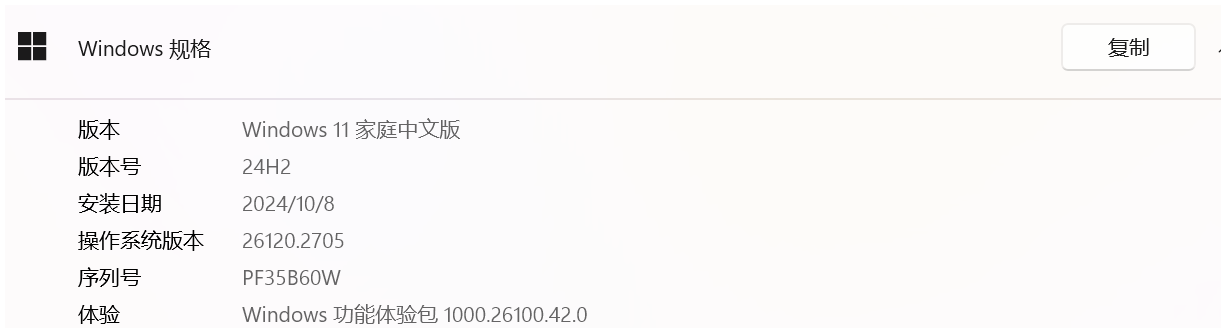
操作系统为Windows11家庭版
配置MySQL(导入测试数据)
按理说生产环节这是最后的步骤,本次放在第一步
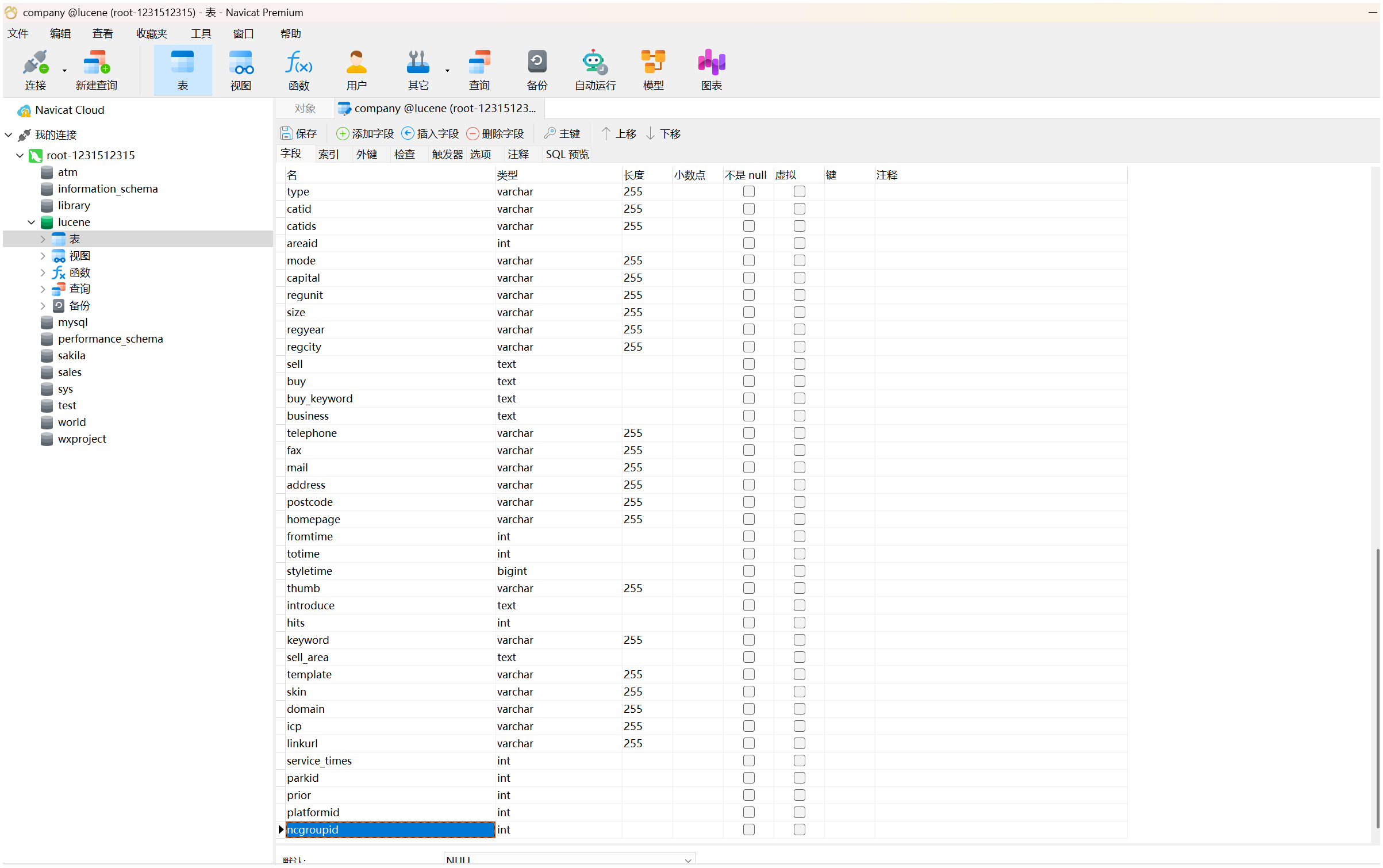
利用navicat先建表,然后导入sql,本次测试用sql十分复杂.建议测试时选取简单的数据
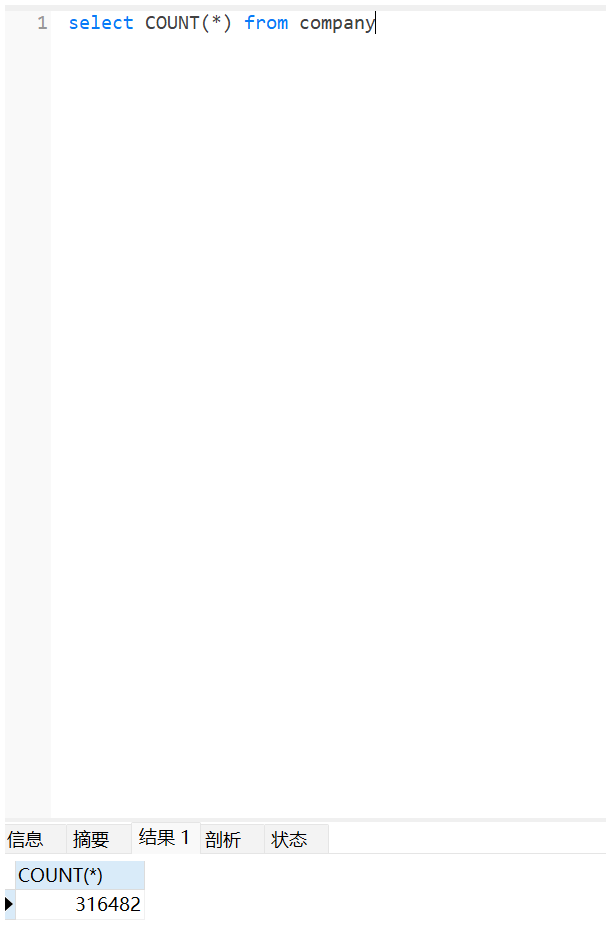
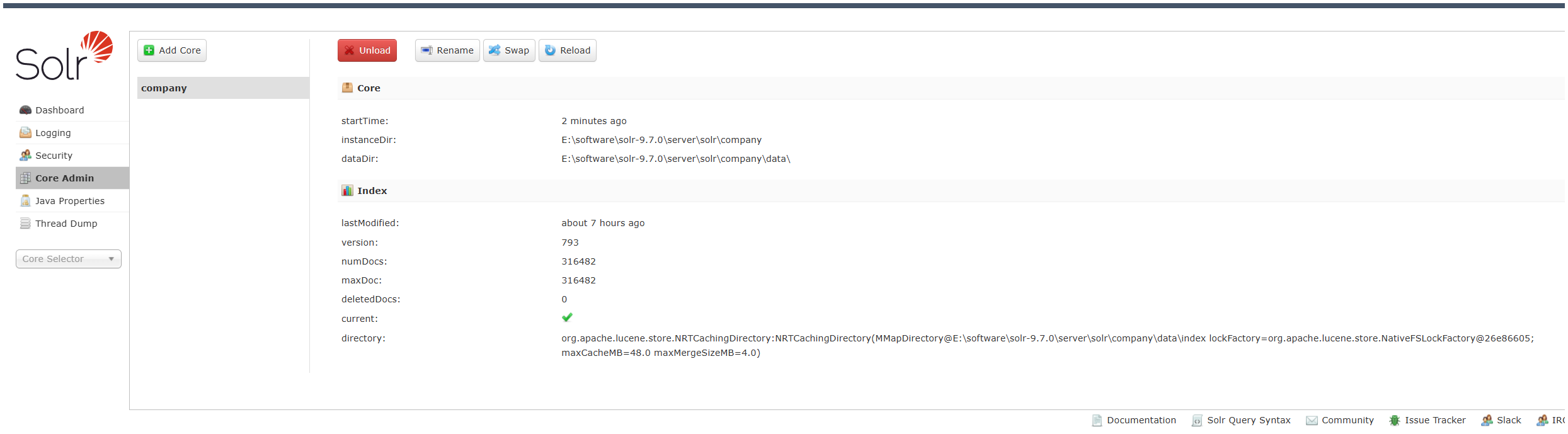
简单看一下数据量 不到32万
配置Solr(Solr+MySQL)
本项目关键所在
下载
https://solr.apache.org 找编译好的二进制文件或者用源文件自行编译
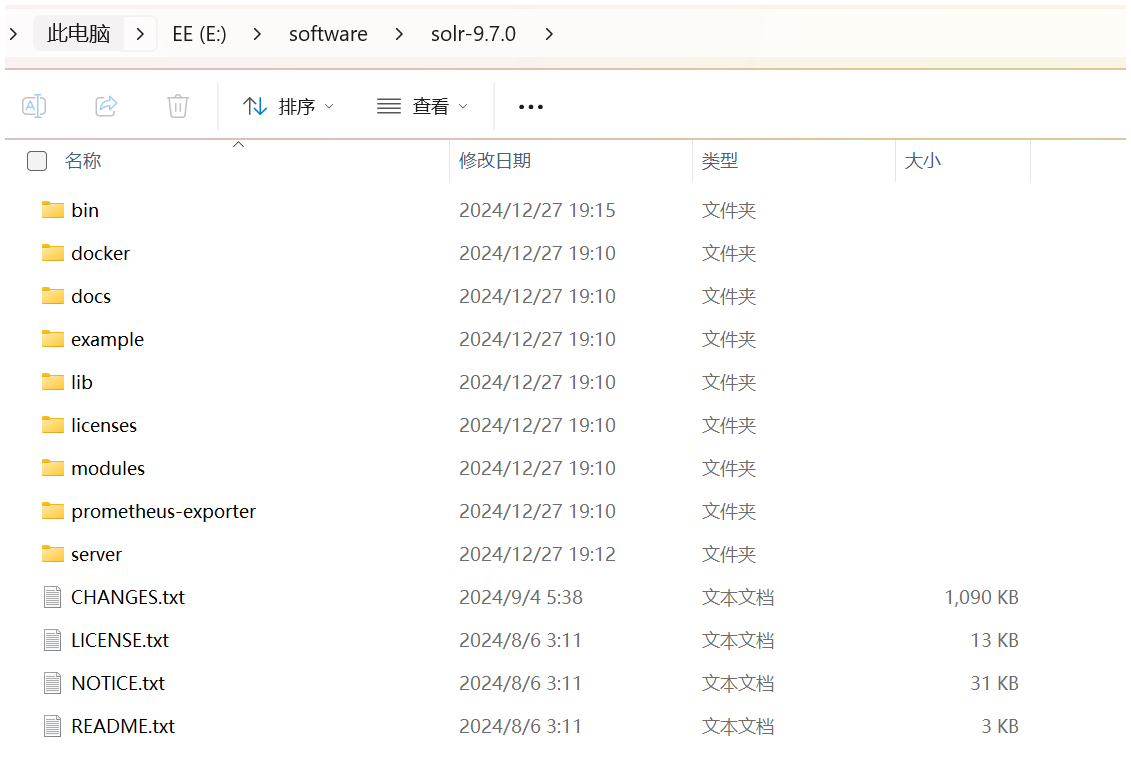
配置三个lib
分词器
市面上有多种开源分词器,2024-12-29试了IK分词器,经过多次尝试,发现似乎不支持solr9.7.0
采用Solr9.7.0自带中文分词器 在下面这个目录
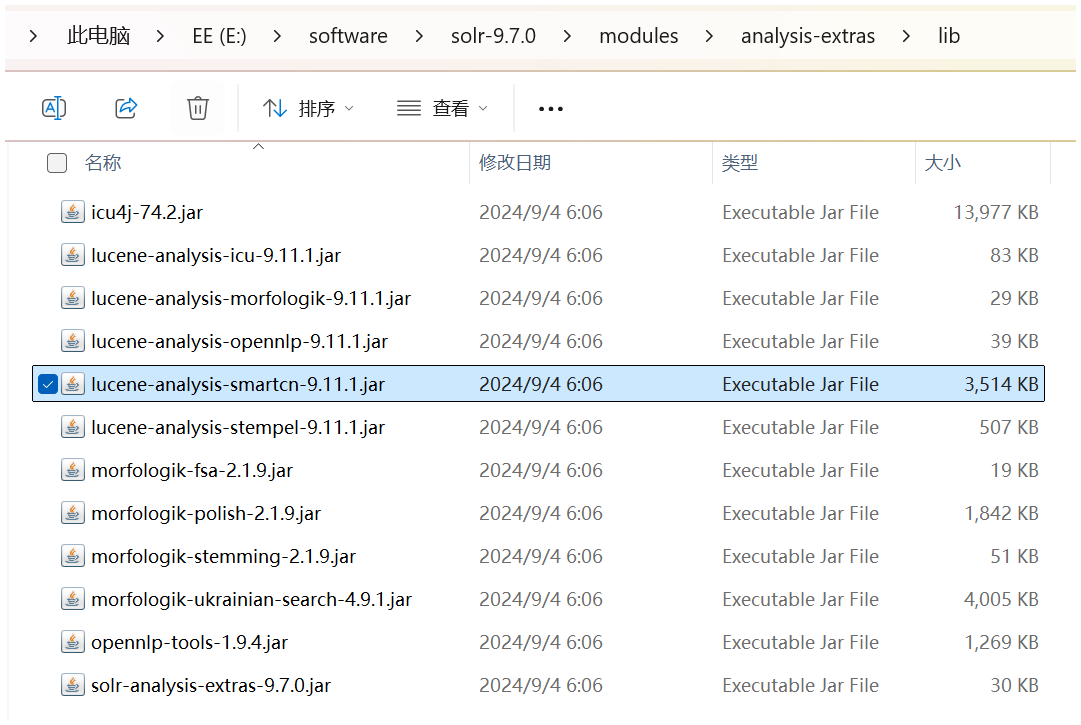
把上面这个分词器放到下面文件夹目录去
E:\software\solr-9.7.0\server\solr-webapp\webapp\WEB-INF\lib
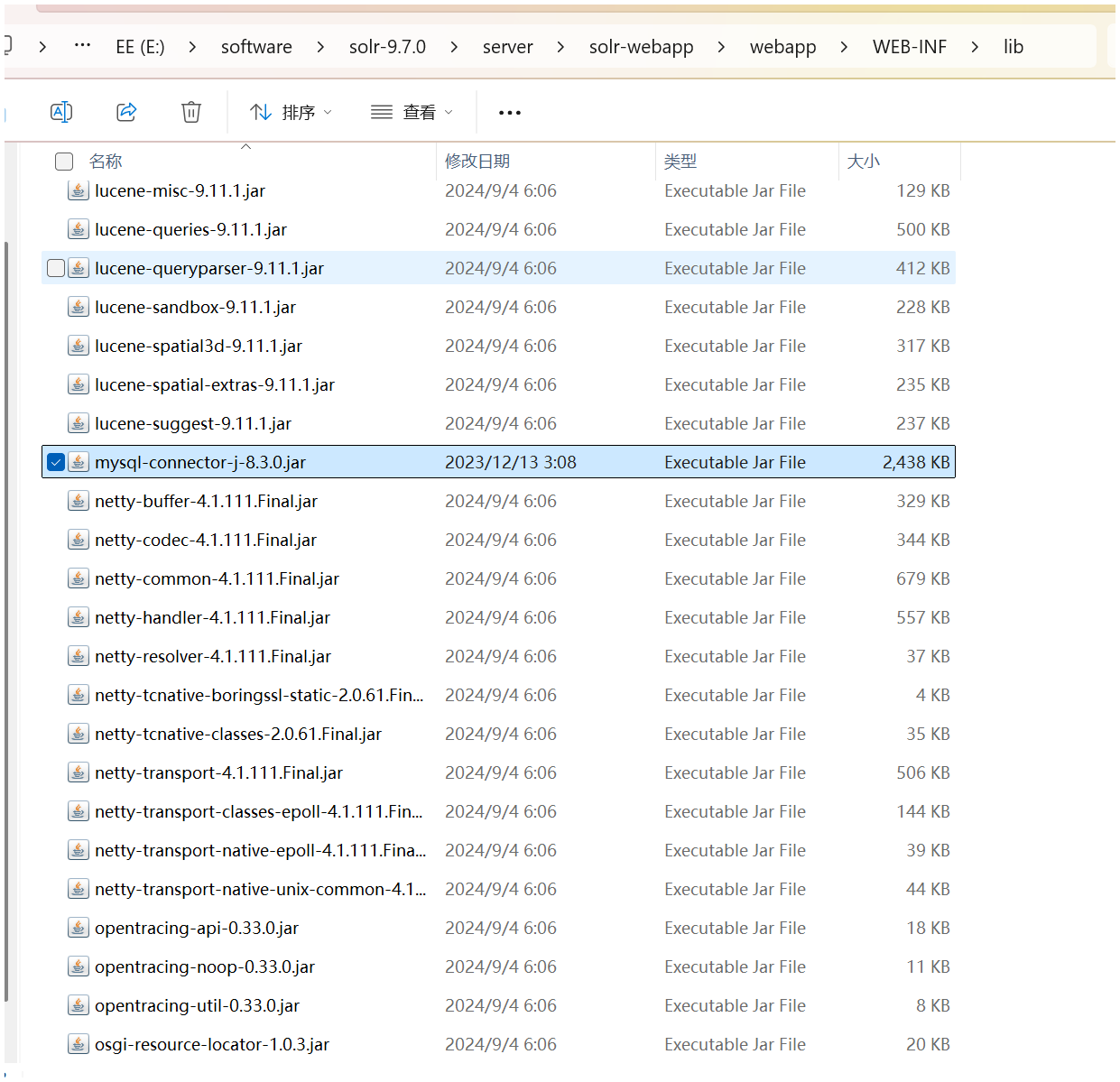
mysql依赖
需要mysql-connector-j-8.3.0.jar 对应版本的mysql依赖,在mysql官网下载,网上查得到
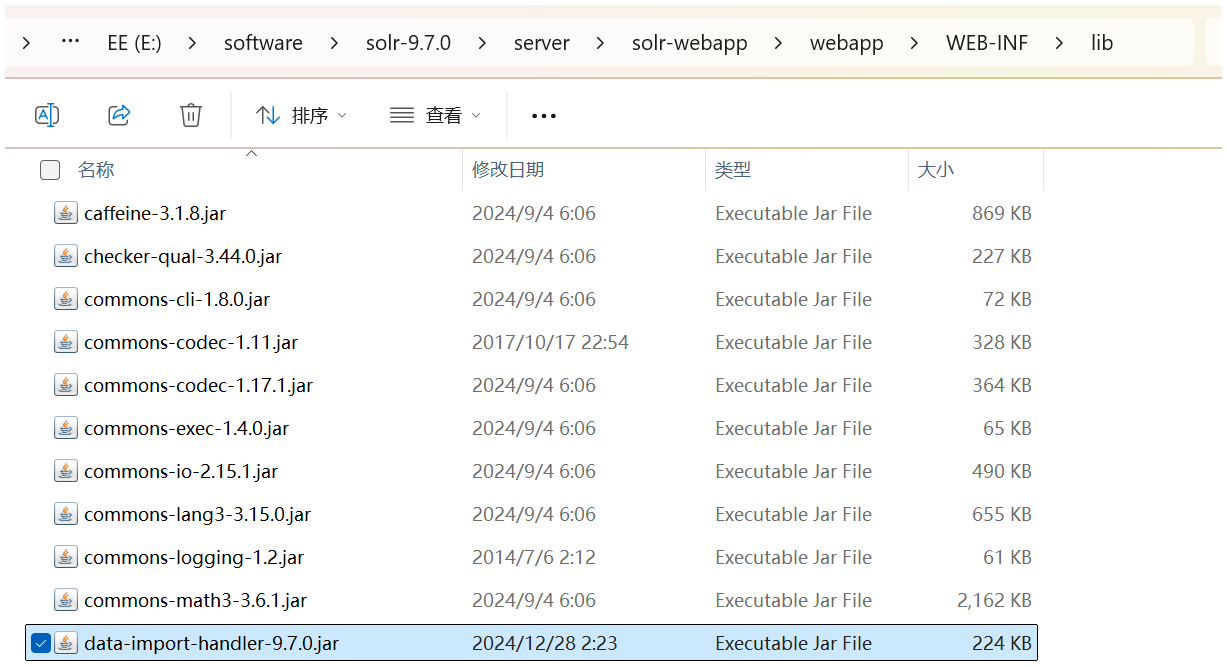
DIH(用于将mysql数据导入Solr)
还需要一个data-import-handler-9.7.0.jar 以前版本solr自带的 现在独立成一个项目了? 去github上找 下载放入
配置Solr核心
bin\solr create -c company
managed-schema.xml
 <field name="userid" type="pint" indexed="true" stored="true" />
  <field name="lsguserid" type="string" indexed="true" stored="true" />
  <field name="username" type="string" indexed="true" stored="true" />
  <field name="groupid" type="pint" indexed="true" stored="true" />
  <field name="pid" type="pint" indexed="true" stored="true" />
  <field name="company" type="text_smartcn" indexed="true" stored="true" />
  <field name="level" type="pint" indexed="true" stored="true" />
  <field name="validated" type="pint" indexed="true" stored="true" />
  <field name="validator" type="string" indexed="true" stored="true" />
  <field name="validtime" type="pint" indexed="true" stored="true" />
  <field name="vip" type="pint" indexed="true" stored="true" />
  <field name="vipt" type="pint" indexed="true" stored="true" />
  <field name="vipr" type="pint" indexed="true" stored="true" />
  <field name="type" type="text_smartcn" indexed="true" stored="true" />
  <field name="catid" type="string" indexed="true" stored="true" />
  <field name="catids" type="string" indexed="true" stored="true" />
  <field name="areaid" type="pint" indexed="true" stored="true" />
  <field name="mode" type="string" indexed="true" stored="true" />
  <field name="capital" type="string" indexed="true" stored="true" />
  <field name="regunit" type="text_smartcn" indexed="true" stored="true" />
  <field name="size" type="text_smartcn" indexed="true" stored="true" />
  <field name="regyear" type="string" indexed="true" stored="true" />
  <field name="regcity" type="string" indexed="true" stored="true" />
  <field name="sell" type="text_smartcn" indexed="true" stored="true" />
  <field name="buy" type="text_smartcn" indexed="true" stored="true" />
  <field name="buy_keyword" type="text_smartcn" indexed="true" stored="true" />
  <field name="business" type="text_smartcn" indexed="true" stored="true" />
  <field name="telephone" type="string" indexed="true" stored="true" />
  <field name="fax" type="string" indexed="true" stored="true" />
  <field name="mail" type="string" indexed="true" stored="true" />
  <field name="address" type="text_smartcn" indexed="true" stored="true" />
  <field name="postcode" type="string" indexed="true" stored="true" />
  <field name="homepage" type="string" indexed="true" stored="true" />
  <field name="fromtime" type="pint" indexed="true" stored="true" />
  <field name="totime" type="pint" indexed="true" stored="true" />
  <field name="styletime" type="plong" indexed="true" stored="true" />
  <field name="thumb" type="string" indexed="true" stored="true" />
  <field name="introduce" type="text_smartcn" indexed="true" stored="true" />
  <field name="hits" type="pint" indexed="true" stored="true" />
  <field name="keyword" type="text_smartcn" indexed="true" stored="true" />
  <field name="sell_area" type="text_smartcn" indexed="true" stored="true" />
  <field name="template" type="string" indexed="true" stored="true" />
  <field name="skin" type="string" indexed="true" stored="true" />
  <field name="domain" type="string" indexed="true" stored="true" />
  <field name="icp" type="string" indexed="true" stored="true" />
  <field name="linkurl" type="string" indexed="true" stored="true" />
  <field name="service_times" type="pint" indexed="true" stored="true" />
  <field name="parkid" type="pint" indexed="true" stored="true" />
  <field name="prior" type="pint" indexed="true" stored="true" />
  <field name="platformid" type="pint" indexed="true" stored="true" />
  <field name="ncgroupid" type="pint" indexed="true" stored="true" />
  <!-- 定义一个通用字段 -->
  <field name="mytext" type="text_smartcn" indexed="true" stored="false" multiValued="true"/>

  <!-- 将所有需要搜索的字段内容复制到通用字段 -->
  <copyField source="company" dest="mytext"/>
  <copyField source="type" dest="mytext"/>
  <copyField source="regunit" dest="mytext"/>
  <copyField source="size" dest="mytext"/>
  <copyField source="sell" dest="mytext"/>
  <copyField source="buy" dest="mytext"/>
  <copyField source="buy_keyword" dest="mytext"/>
  <copyField source="business" dest="mytext"/>
  <copyField source="address" dest="mytext"/>
  <copyField source="introduce" dest="mytext"/>
  <copyField source="keyword" dest="mytext"/>
  <copyField source="sell_area" dest="mytext"/>
  <!-- 其他字段 -->
  <copyField source="userid" dest="mytext"/>
  <copyField source="lsguserid" dest="mytext"/>
  <copyField source="username" dest="mytext"/>
  <copyField source="groupid" dest="mytext"/>
  <copyField source="pid" dest="mytext"/>
  <copyField source="level" dest="mytext"/>
  <copyField source="validated" dest="mytext"/>
  <copyField source="validator" dest="mytext"/>
  <copyField source="validtime" dest="mytext"/>
  <copyField source="vip" dest="mytext"/>
  <copyField source="vipt" dest="mytext"/>
  <copyField source="vipr" dest="mytext"/>
  <copyField source="catid" dest="mytext"/>
  <copyField source="catids" dest="mytext"/>
  <copyField source="areaid" dest="mytext"/>
  <copyField source="mode" dest="mytext"/>
  <copyField source="capital" dest="mytext"/>
  <copyField source="regyear" dest="mytext"/>
  <copyField source="regcity" dest="mytext"/>
  <copyField source="telephone" dest="mytext"/>
  <copyField source="fax" dest="mytext"/>
  <copyField source="mail" dest="mytext"/>
  <copyField source="postcode" dest="mytext"/>
  <copyField source="homepage" dest="mytext"/>
  <copyField source="fromtime" dest="mytext"/>
  <copyField source="totime" dest="mytext"/>
  <copyField source="styletime" dest="mytext"/>
  <copyField source="thumb" dest="mytext"/>
  <copyField source="hits" dest="mytext"/>
  <copyField source="template" dest="mytext"/>
  <copyField source="skin" dest="mytext"/>
  <copyField source="domain" dest="mytext"/>
  <copyField source="icp" dest="mytext"/>
  <copyField source="linkurl" dest="mytext"/>
  <copyField source="service_times" dest="mytext"/>
  <copyField source="parkid" dest="mytext"/>
  <copyField source="prior" dest="mytext"/>
  <copyField source="platformid" dest="mytext"/>
  <copyField source="ncgroupid" dest="mytext"/>


中文的type是text_smartcn 便于分词器工作
新增一个字段mytext用于默认关键词模糊查询,存放所有数据
solrconfig.xml
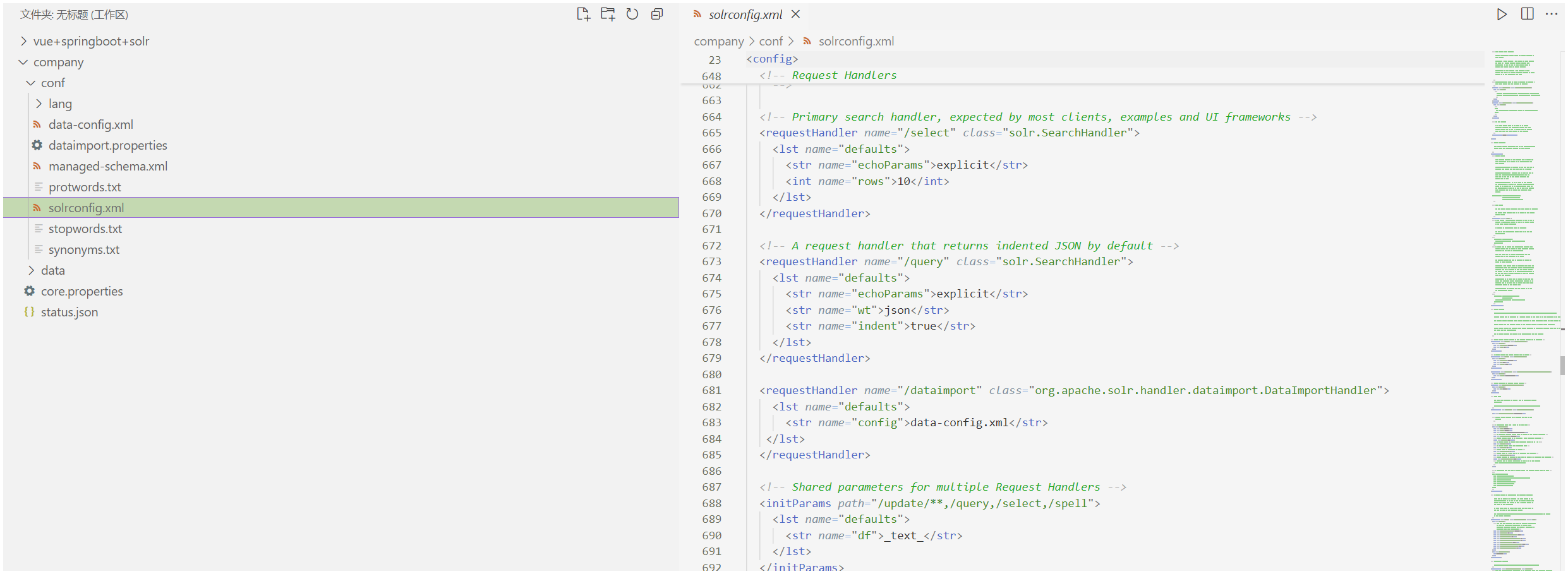
注意新增
 <requestHandler name="/dataimport" class="org.apache.solr.handler.dataimport.DataImportHandler">
    <lst name="defaults">
      <str name="config">data-config.xml</str>
   </lst>
  </requestHandler>
data-config.xml(新增文件)
E:\software\solr-9.7.0\server\solr\company\conf 新增文件
<dataConfig>
  <dataSource type="JdbcDataSource"
    driver="com.mysql.cj.jdbc.Driver"
    url="jdbc:mysql://localhost:3306/lucene"
    user="root"
    password="1231512315" />
  <document>
    <entity name="company" query="SELECT * FROM company LIMIT 100000 OFFSET ${dataimporter.request.offset}">
      <field column="userid" name="userid" />
      <field column="lsguserid" name="lsguserid" />
      <field column="username" name="username" />
      <field column="groupid" name="groupid" />
      <field column="pid" name="pid" />
      <field column="company" name="company" />
      <field column="level" name="level" />
      <field column="validated" name="validated" />
      <field column="validator" name="validator" />
      <field column="validtime" name="validtime" />
      <field column="vip" name="vip" />
      <field column="vipt" name="vipt" />
      <field column="vipr" name="vipr" />
      <field column="type" name="type" />
      <field column="catid" name="catid" />
      <field column="catids" name="catids" />
      <field column="areaid" name="areaid" />
      <field column="mode" name="mode" />
      <field column="capital" name="capital" />
      <field column="regunit" name="regunit" />
      <field column="size" name="size" />
      <field column="regyear" name="regyear" />
      <field column="regcity" name="regcity" />
      <field column="sell" name="sell" />
      <field column="buy" name="buy" />
      <field column="buy_keyword" name="buy_keyword" />
      <field column="business" name="business" />
      <field column="telephone" name="telephone" />
      <field column="fax" name="fax" />
      <field column="mail" name="mail" />
      <field column="address" name="address" />
      <field column="postcode" name="postcode" />
      <field column="homepage" name="homepage" />
      <field column="fromtime" name="fromtime" />
      <field column="totime" name="totime" />
      <field column="styletime" name="styletime" />
      <field column="thumb" name="thumb" />
      <field column="introduce" name="introduce" />
      <field column="hits" name="hits" />
      <field column="keyword" name="keyword" />
      <field column="sell_area" name="sell_area" />
      <field column="template" name="template" />
      <field column="skin" name="skin" />
      <field column="domain" name="domain" />
      <field column="icp" name="icp" />
      <field column="linkurl" name="linkurl" />
      <field column="service_times" name="service_times" />
      <field column="parkid" name="parkid" />
      <field column="prior" name="prior" />
      <field column="platformid" name="platformid" />
      <field column="ncgroupid" name="ncgroupid" />
    </entity>
  </document>
</dataConfig>
数据有点多,分四次导完,每次10万条数据
<entity name=”company” query=”SELECT * FROM company LIMIT 10000 OFFSET ${dataimporter.request.offset}”> 每次从设置位置导入10000条数据
用法(示例)
配置完后,启动solr 然后cmd中用api将数据库数据导入solr中
第一次 curl “http://localhost:8983/solr/company/dataimport?command=full-import&clean=true&commit=true&offset=0”
第二次 curl “http://localhost:8983/solr/company/dataimport?command=full-import&clean=false&commit=true&offset=100000”
第三次 curl “http://localhost:8983/solr/company/dataimport?command=full-import&clean=false&commit=true&offset=200000”
第四次 curl “http://localhost:8983/solr/company/dataimport?command=full-import&clean=false&commit=true&offset=300000”
其他 solr.cmd
java目录调整?看自己
启动内存设置?看自己
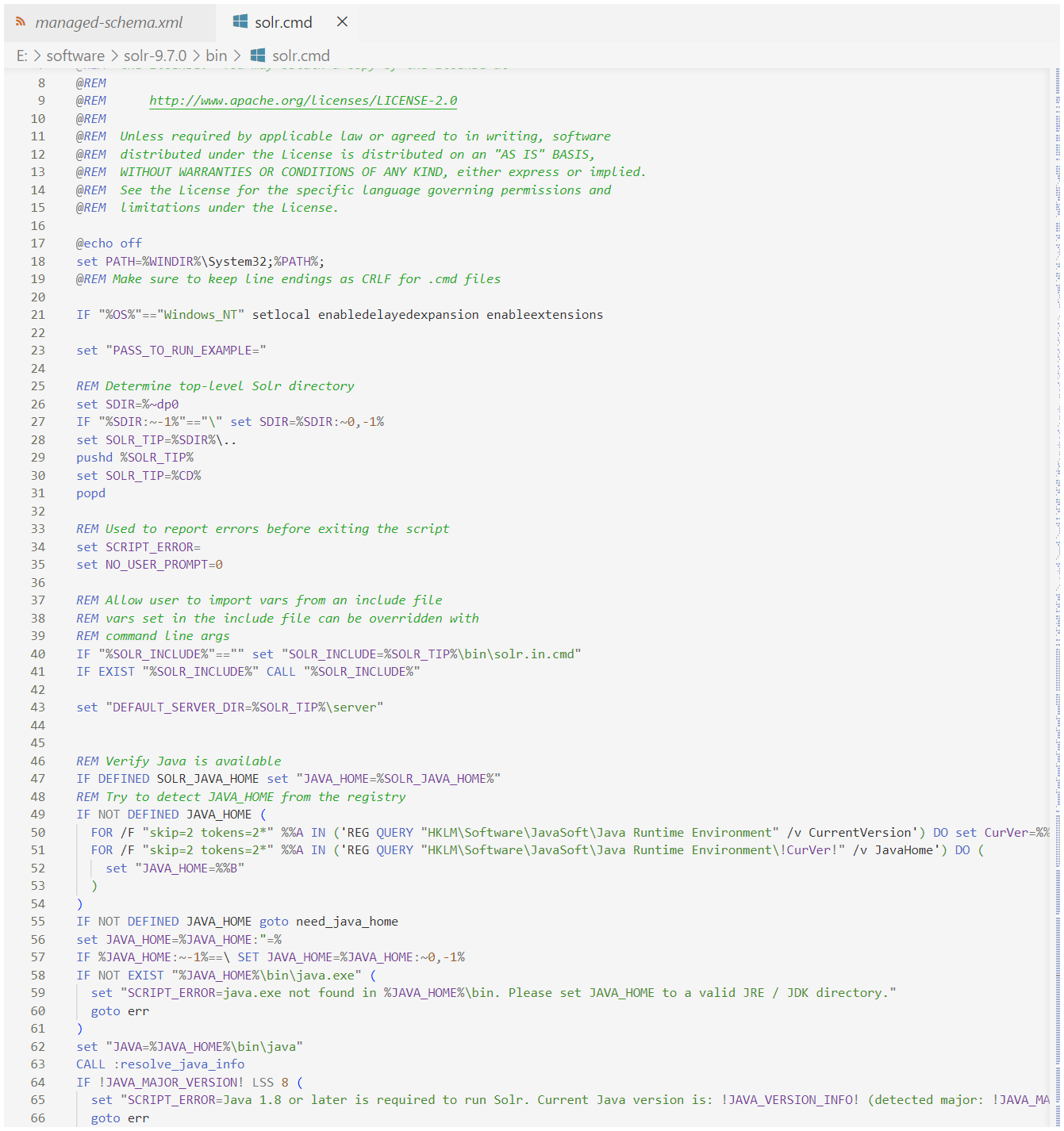
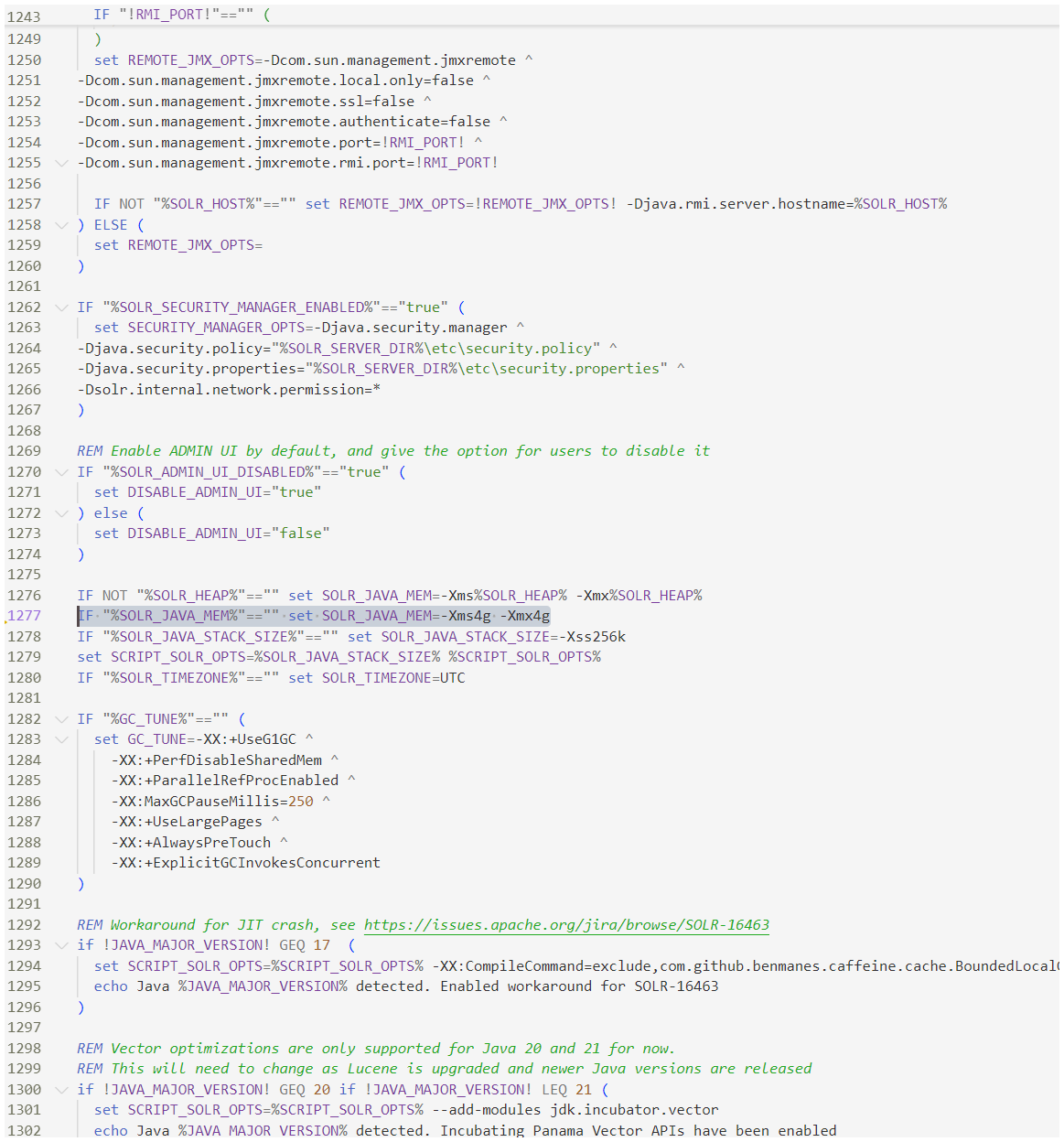
IF “%SOLR_JAVA_MEM%”==”” set SOLR_JAVA_MEM=-Xms4g -Xmx4g
启动solr
环境变量加好了后 solr start (官方推荐在bin的上层目录使用 bin\solr +命令 启动)
似乎显示有问题,但运行成功
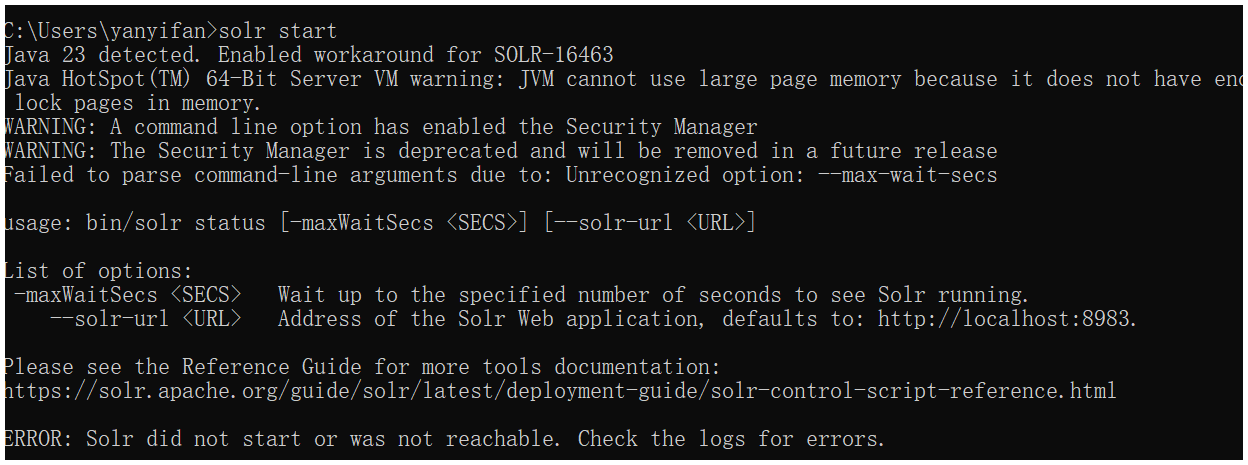
solr控制台 http://localhost:8983/solr/#/
启动后 核心要等一会才会启动
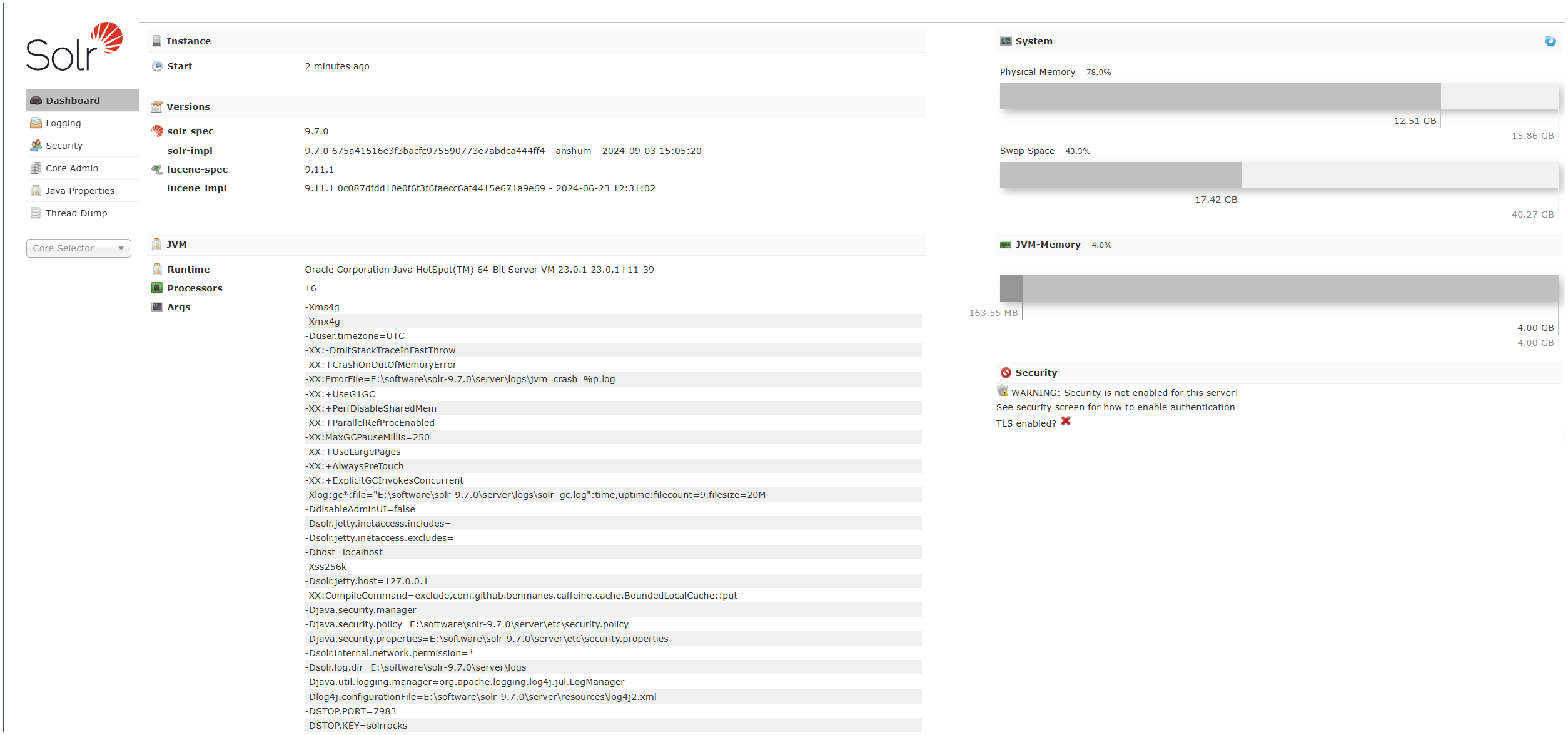
导入完数据的核心
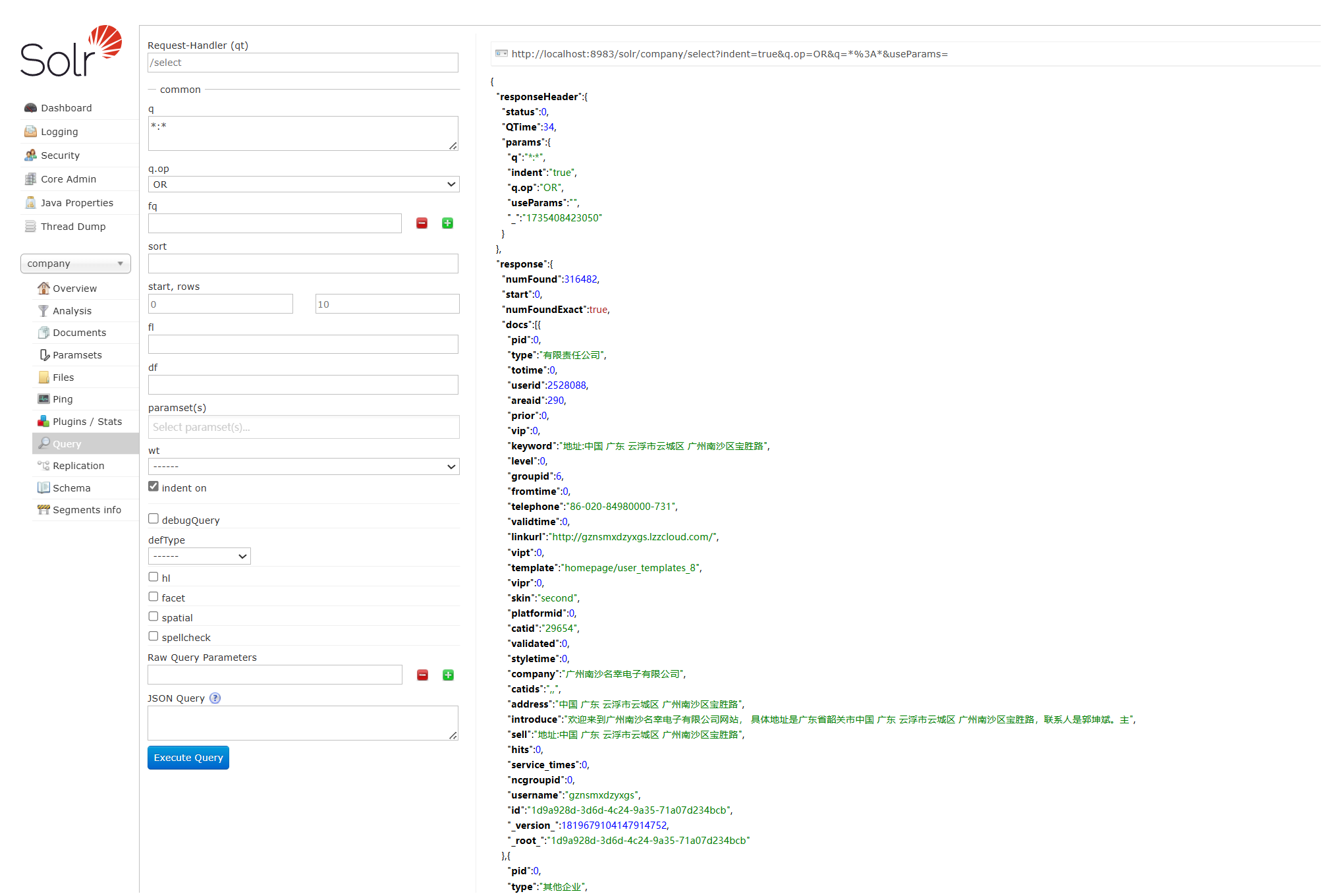
面板使用举例 查询演示
配置后端Springboot
MySQL主要用于连接Solr提供数据
后端需要连接Solr,使用Solr的查询,给前端提供API
创建后端项目
利用spring initializr

springboot的java版本用低一点的,兼容性好 (虽然本地环境java为23)
注意solr的依赖加进去
<dependency>
      <groupId>org.apache.solr</groupId>
      <artifactId>solr-solrj</artifactId>
      <version>9.7.0</version>
    </dependency>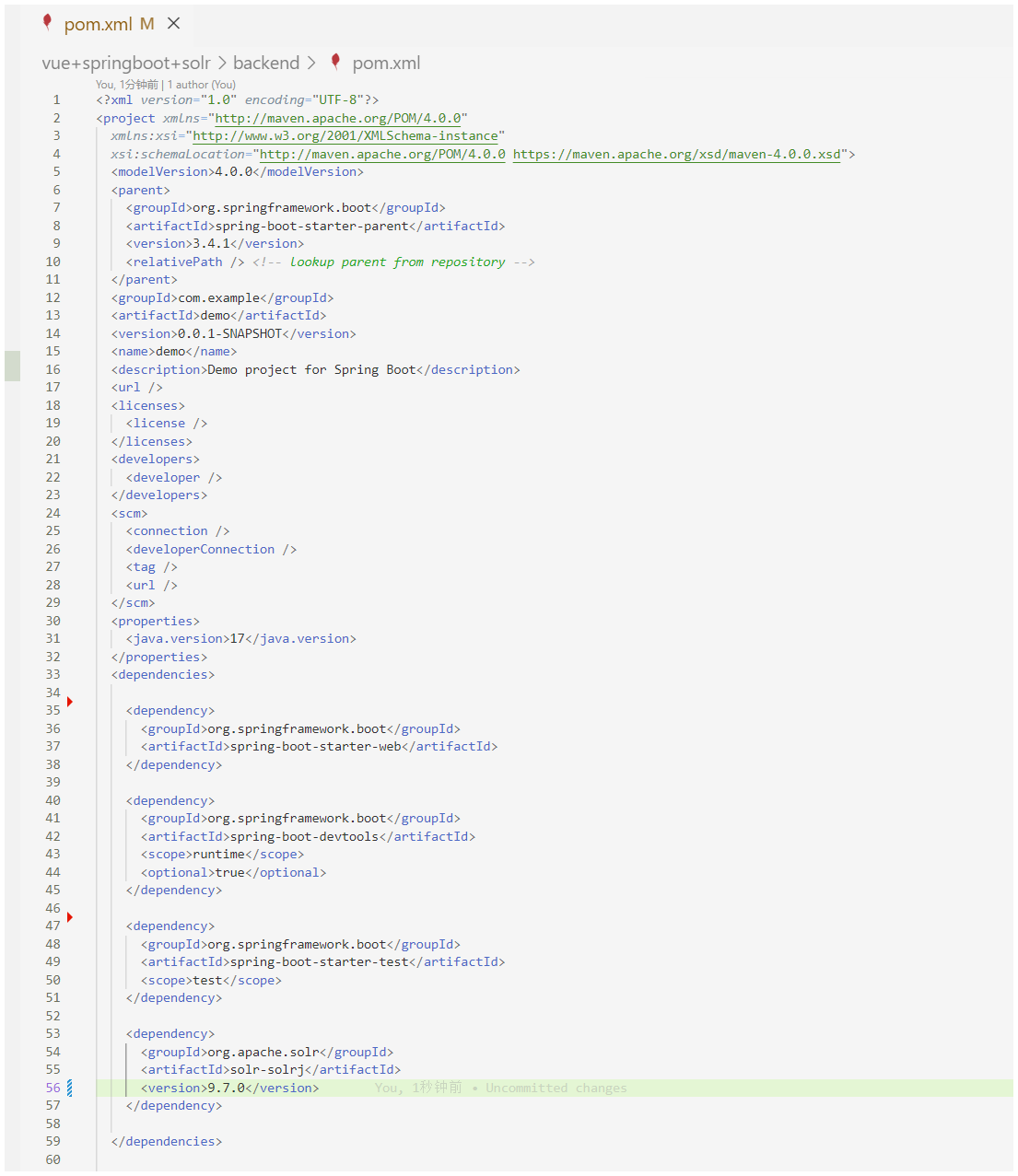
连接solr
spring.application.name=demo

spring.data.solr.host=http://localhost:8983/solr
spring.data.solr.core=company

# CORS配置
spring.mvc.cors.allowed-origins=http://localhost:5173
spring.mvc.cors.allowed-methods=GET,POST,PUT,DELETE,OPTIONS
spring.mvc.cors.allowed-headers=*
spring.mvc.cors.allow-credentials=true
spring.mvc.cors.max-age=3600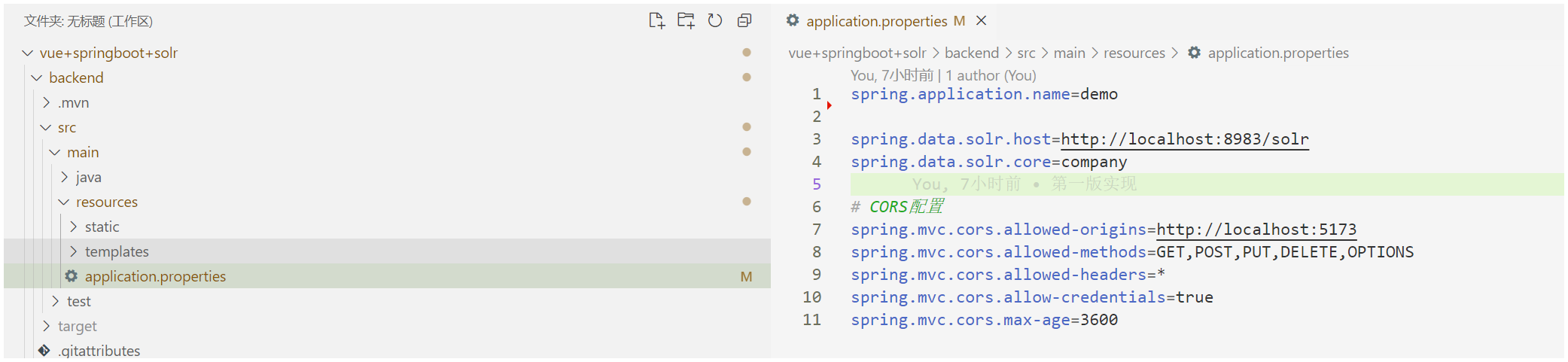
这个搜索逻辑不可谓不简单
SearchController.java
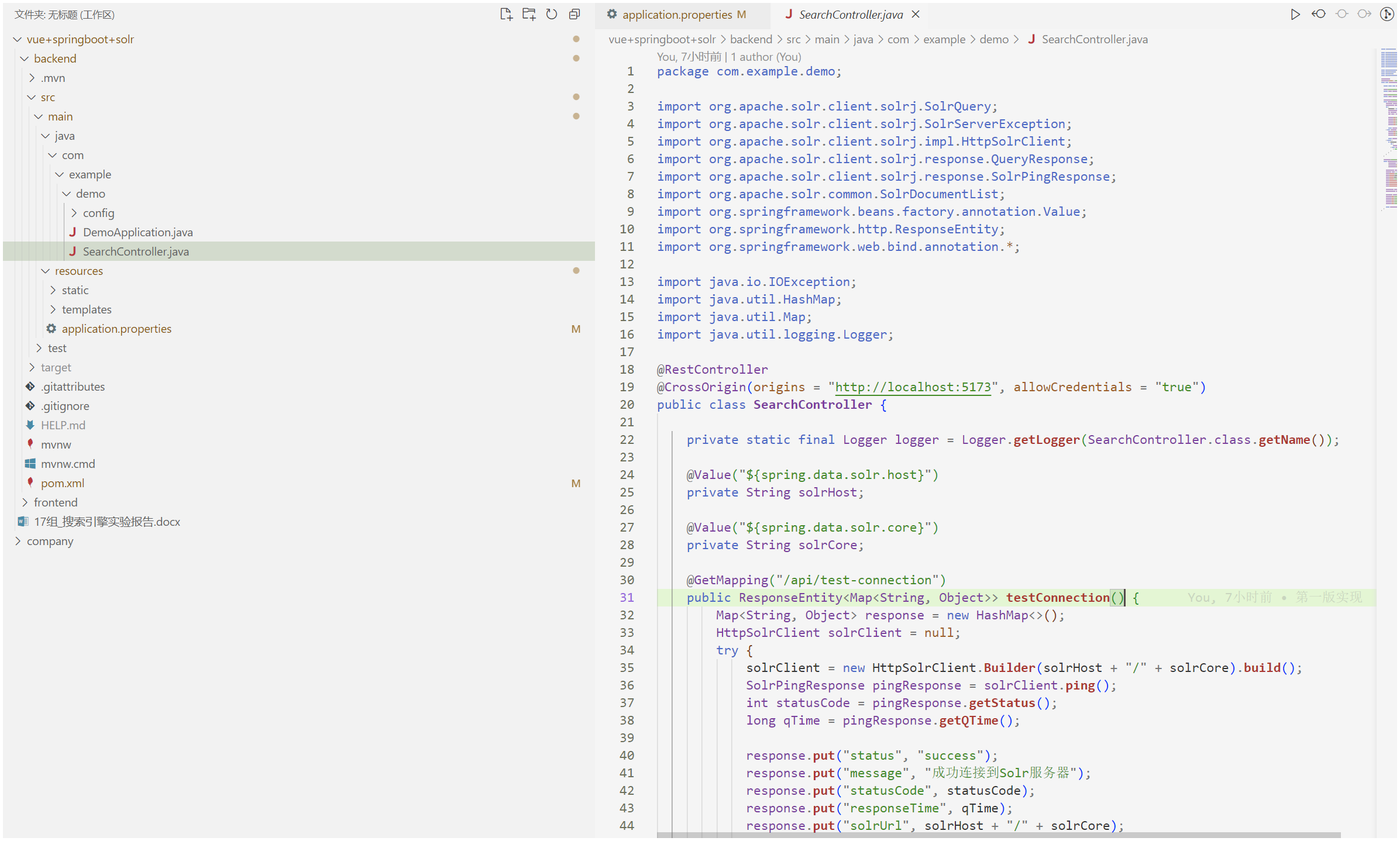
package com.example.demo;

import org.apache.solr.client.solrj.SolrQuery;
import org.apache.solr.client.solrj.SolrServerException;
import org.apache.solr.client.solrj.impl.HttpSolrClient;
import org.apache.solr.client.solrj.response.QueryResponse;
import org.apache.solr.client.solrj.response.SolrPingResponse;
import org.apache.solr.common.SolrDocumentList;
import org.springframework.beans.factory.annotation.Value;
import org.springframework.http.ResponseEntity;
import org.springframework.web.bind.annotation.*;

import java.io.IOException;
import java.util.HashMap;
import java.util.Map;
import java.util.logging.Logger;

@RestController
@CrossOrigin(origins = "http://localhost:5173", allowCredentials = "true")
public class SearchController {

    private static final Logger logger = Logger.getLogger(SearchController.class.getName());

    @Value("${spring.data.solr.host}")
    private String solrHost;

    @Value("${spring.data.solr.core}")
    private String solrCore;

    @GetMapping("/api/test-connection")
    public ResponseEntity<Map<String, Object>> testConnection() {
        Map<String, Object> response = new HashMap<>();
        HttpSolrClient solrClient = null;
        try {
            solrClient = new HttpSolrClient.Builder(solrHost + "/" + solrCore).build();
            SolrPingResponse pingResponse = solrClient.ping();
            int statusCode = pingResponse.getStatus();
            long qTime = pingResponse.getQTime();

            response.put("status", "success");
            response.put("message", "成功连接到Solr服务器");
            response.put("statusCode", statusCode);
            response.put("responseTime", qTime);
            response.put("solrUrl", solrHost + "/" + solrCore);

            return ResponseEntity.ok(response);
        } catch (Exception e) {
            response.put("status", "error");
            response.put("message", "连接Solr服务器失败: " + e.getMessage());
            response.put("solrUrl", solrHost + "/" + solrCore);

            return ResponseEntity.status(500).body(response);
        } finally {
            if (solrClient != null) {
                try {
                    solrClient.close();
                } catch (IOException e) {
                    // ignore
                }
            }
        }
    }

    @GetMapping("/api/search")
    public ResponseEntity<Map<String, Object>> search(
            @RequestParam String q,
            @RequestParam(defaultValue = "0") int page,
            @RequestParam(defaultValue = "10") int size) throws SolrServerException, IOException {

        HttpSolrClient solrClient = new HttpSolrClient.Builder(solrHost + "/" + solrCore).build();
        SolrQuery query = new SolrQuery();
        query.setQuery("mytext:" + q);
        query.setStart(page * size);
        query.setRows(size);
        query.setSort("score", SolrQuery.ORDER.desc);
        query.setHighlight(true);
        query.addHighlightField("mytext");
        query.setHighlightSimplePre("<em>");
        query.setHighlightSimplePost("</em>");

        QueryResponse response = solrClient.query(query);
        SolrDocumentList results = response.getResults();

        Map<String, Object> resultMap = new HashMap<>();
        resultMap.put("results", results);
        resultMap.put("numFound", results.getNumFound());
        resultMap.put("start", results.getStart());
        resultMap.put("page", page);
        resultMap.put("size", size);

        return ResponseEntity.ok(resultMap);
    }
}
跨域
跨域问题是指在浏览器中,当一个域下的网页尝试请求另一个域下的资源时,由于浏览器的同源策略限制,导致无法直接进行通信的问题。同源策略是浏览器的一项安全功能,要求两个页面必须具有相同的协议、域名和端口号才能进行交互。如果协议、域名或端口号有任何一个不同,就会发生跨域。
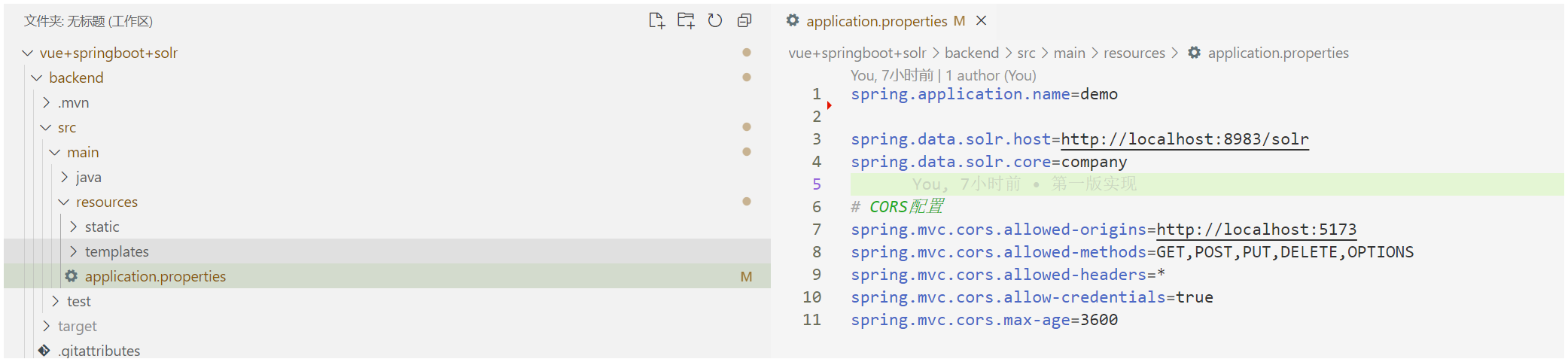
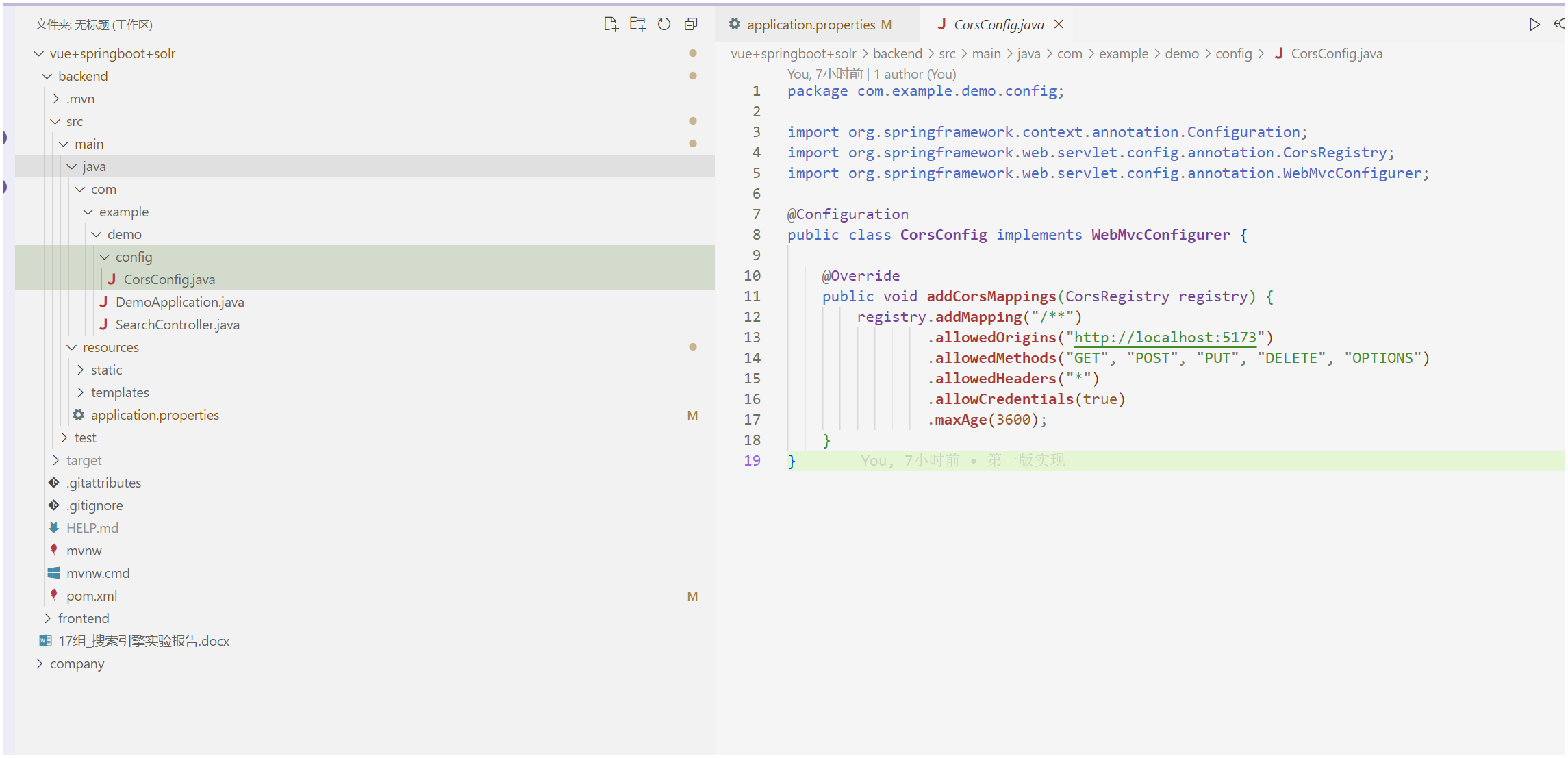
config/Corsconfig.java
package com.example.demo.config;

import org.springframework.context.annotation.Configuration;
import org.springframework.web.servlet.config.annotation.CorsRegistry;
import org.springframework.web.servlet.config.annotation.WebMvcConfigurer;

@Configuration
public class CorsConfig implements WebMvcConfigurer {

    @Override
    public void addCorsMappings(CorsRegistry registry) {
        registry.addMapping("/**")
                .allowedOrigins("http://localhost:5173")
                .allowedMethods("GET", "POST", "PUT", "DELETE", "OPTIONS")
                .allowedHeaders("*")
                .allowCredentials(true)
                .maxAge(3600);
    }
} 
启动后端
mvn spring-boot:run
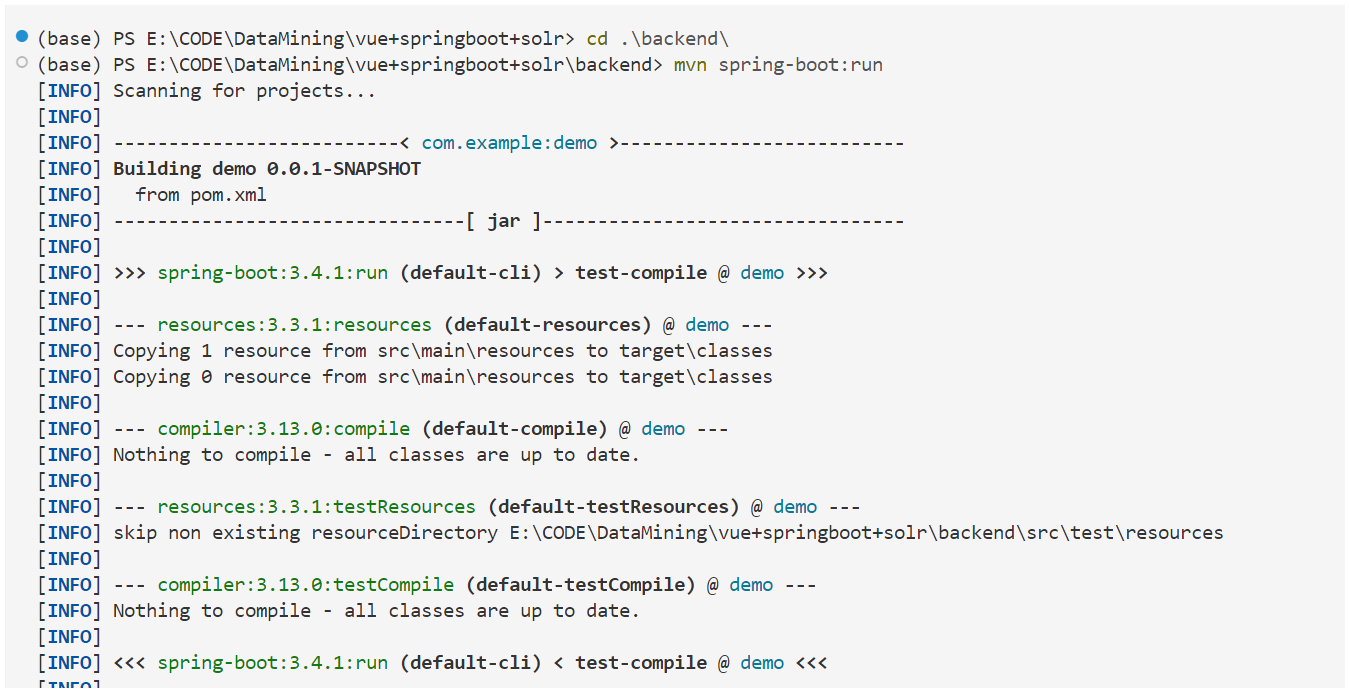
要做一些测试,比如说后端与solr连接情况 利用之前写的api/test-connection
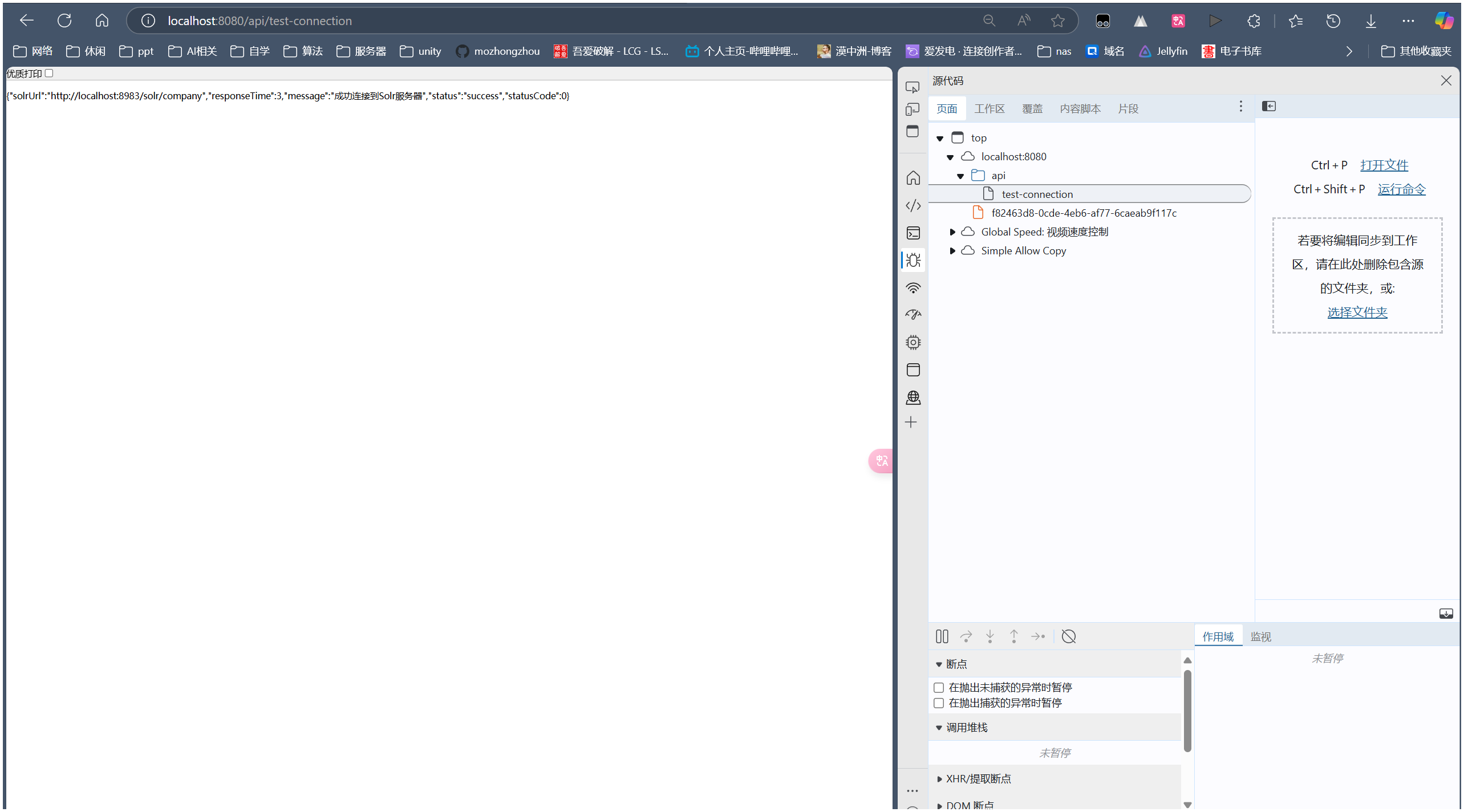
一步一步做,没问题了再继续
配置前端Vue
创建前端项目
npm vue create@latest 创建项目,默认设置即可,到时候写一个简单组件用于演示即可
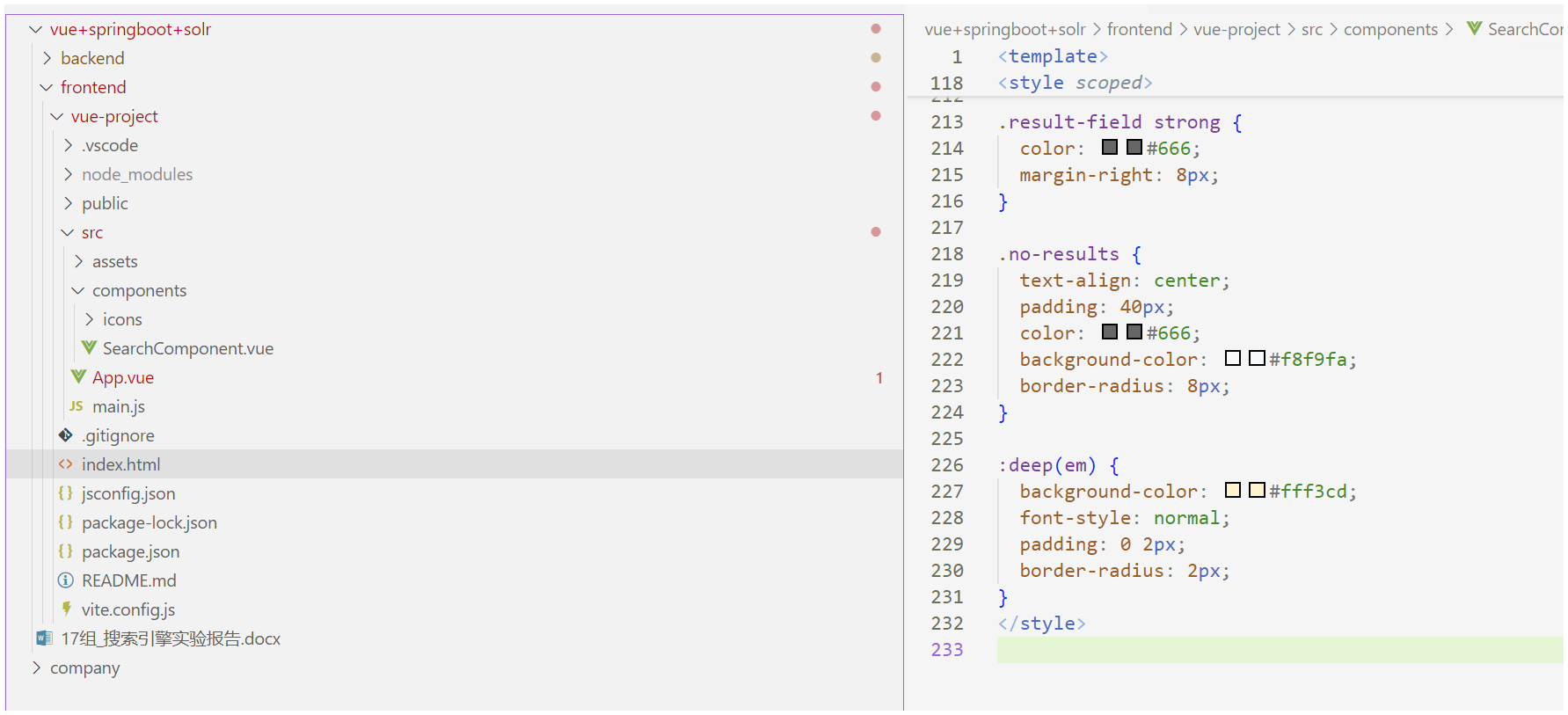
SearchComponent.vue
前端核心组件
<template>
  <div class="search-container">
    <!-- 连接状态检查 -->
    <div
      class="connection-status"
      :class="{ connected: isConnected, disconnected: !isConnected }"
    >
      Solr服务状态: {{ isConnected ? "已连接" : "未连接" }}
    </div>

    <!-- 搜索区域 -->
    <div class="search-box">
      <input
        v-model="query"
        placeholder="请输入搜索关键词..."
        @keyup.enter="search"
        :disabled="!isConnected"
        class="search-input"
      />
      <button
        @click="search"
        :disabled="!isConnected || !query"
        class="search-button"
      >
        <span v-if="!loading">搜索</span>
        <span v-else>搜索中...</span>
      </button>
    </div>

    <!-- 错误提示 -->
    <div v-if="error" class="error-message">
      {{ error }}
    </div>

    <!-- 搜索结果 -->
    <div v-if="results && results.length > 0" class="search-results">
      <div v-for="result in results" :key="result.id" class="result-card">
        <h3 v-if="result.company" v-html="result.company"></h3>
        <div v-if="result.address" class="result-field">
          <strong>地址:</strong><span v-html="result.address"></span>
        </div>
        <div v-if="result.type" class="result-field">
          <strong>类型:</strong><span v-html="result.type"></span>
        </div>
        <div v-if="result.business" class="result-field">
          <strong>业务:</strong><span v-html="result.business"></span>
        </div>
        <div v-if="result.introduce" class="result-field">
          <strong>简介:</strong><span v-html="result.introduce"></span>
        </div>
      </div>
    </div>

    <!-- 无结果提示 -->
    <div v-else-if="results && !loading && query && !error" class="no-results">
      未找到相关结果
    </div>
  </div>
</template>

<script>
import axios from "axios";

const API_BASE_URL = "http://localhost:8080/api";

export default {
  name: "SearchComponent",
  data() {
    return {
      query: "",
      results: null,
      loading: false,
      error: null,
      isConnected: false,
    };
  },
  created() {
    this.checkConnection();
  },
  methods: {
    async checkConnection() {
      try {
        const response = await axios.get(`${API_BASE_URL}/test-connection`, {
          withCredentials: true,
        });
        this.isConnected = response.data.status === "success";
      } catch (error) {
        this.isConnected = false;
        this.error = "无法连接到搜索服务";
        console.error("Connection error:", error);
      }
    },
    async search() {
      if (!this.query || !this.isConnected) return;

      this.loading = true;
      this.error = null;

      try {
        const response = await axios.get(`${API_BASE_URL}/search`, {
          params: {
            q: this.query,
          },
          withCredentials: true,
        });
        this.results = response.data.results;
      } catch (error) {
        this.error = "搜索过程中出现错误,请稍后重试";
        console.error("Search error:", error);
      } finally {
        this.loading = false;
      }
    },
  },
};
</script>

<style scoped>
.search-container {
  max-width: 1200px;
  margin: 0 auto;
  padding: 20px;
}

.connection-status {
  padding: 8px 16px;
  border-radius: 4px;
  margin-bottom: 20px;
  text-align: center;
}

.connected {
  background-color: #e6f4ea;
  color: #1e7e34;
}

.disconnected {
  background-color: #fde7e9;
  color: #dc3545;
}

.search-box {
  display: flex;
  gap: 10px;
  margin-bottom: 20px;
}

.search-input {
  flex: 1;
  padding: 12px;
  border: 2px solid #ddd;
  border-radius: 4px;
  font-size: 16px;
  transition: border-color 0.3s;
}

.search-input:focus {
  border-color: #4a90e2;
  outline: none;
}

.search-button {
  padding: 12px 24px;
  background-color: #4a90e2;
  color: white;
  border: none;
  border-radius: 4px;
  cursor: pointer;
  font-size: 16px;
  transition: background-color 0.3s;
}

.search-button:hover:not(:disabled) {
  background-color: #357abd;
}

.search-button:disabled {
  background-color: #cccccc;
  cursor: not-allowed;
}

.error-message {
  padding: 12px;
  background-color: #fde7e9;
  color: #dc3545;
  border-radius: 4px;
  margin-bottom: 20px;
}

.search-results {
  display: grid;
  gap: 20px;
}

.result-card {
  padding: 20px;
  border: 1px solid #ddd;
  border-radius: 8px;
  background-color: white;
  box-shadow: 0 2px 4px rgba(0, 0, 0, 0.1);
}

.result-card h3 {
  margin: 0 0 12px 0;
  color: #2c3e50;
}

.result-field {
  margin-bottom: 8px;
  line-height: 1.5;
}

.result-field strong {
  color: #666;
  margin-right: 8px;
}

.no-results {
  text-align: center;
  padding: 40px;
  color: #666;
  background-color: #f8f9fa;
  border-radius: 8px;
}

:deep(em) {
  background-color: #fff3cd;
  font-style: normal;
  padding: 0 2px;
  border-radius: 2px;
}
</style>
App.vue
主文件 调用Search组件
<script setup>
import SearchComponent from "./components/SearchComponent.vue";
</script>

<template>
  <header>
    <img
      alt="Vue logo"
      class="logo"
      src="./assets/logo.svg"
      width="125"
      height="125"
    />
  </header>

  <main>
    <SearchComponent />
  </main>
</template>

<style scoped>
header {
  line-height: 1.5;
}

.logo {
  display: block;
  margin: 0 auto 2rem;
}

@media (min-width: 1024px) {
  header {
    display: flex;
    place-items: center;
    padding-right: calc(var(--section-gap) / 2);
  }

  .logo {
    margin: 0 2rem 0 0;
  }

  header .wrapper {
    display: flex;
    place-items: flex-start;
    flex-wrap: wrap;
  }
}
</style>
启动
npm run dev
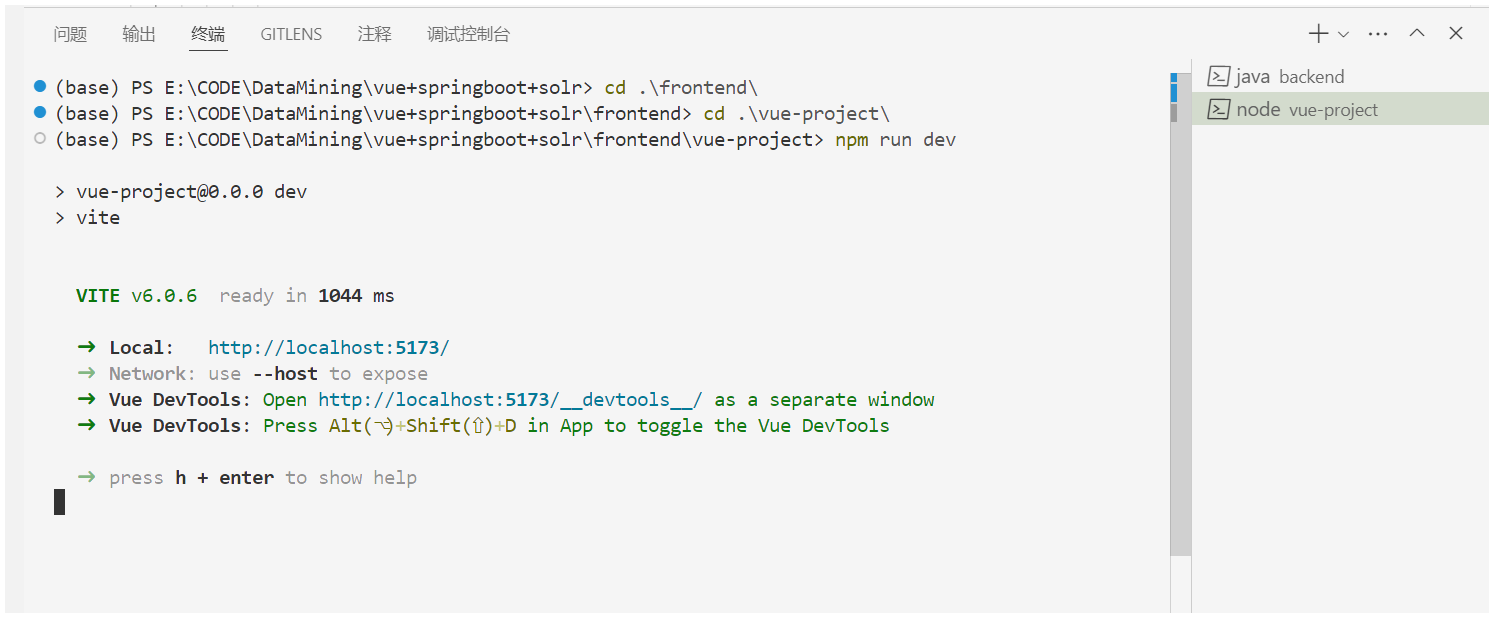
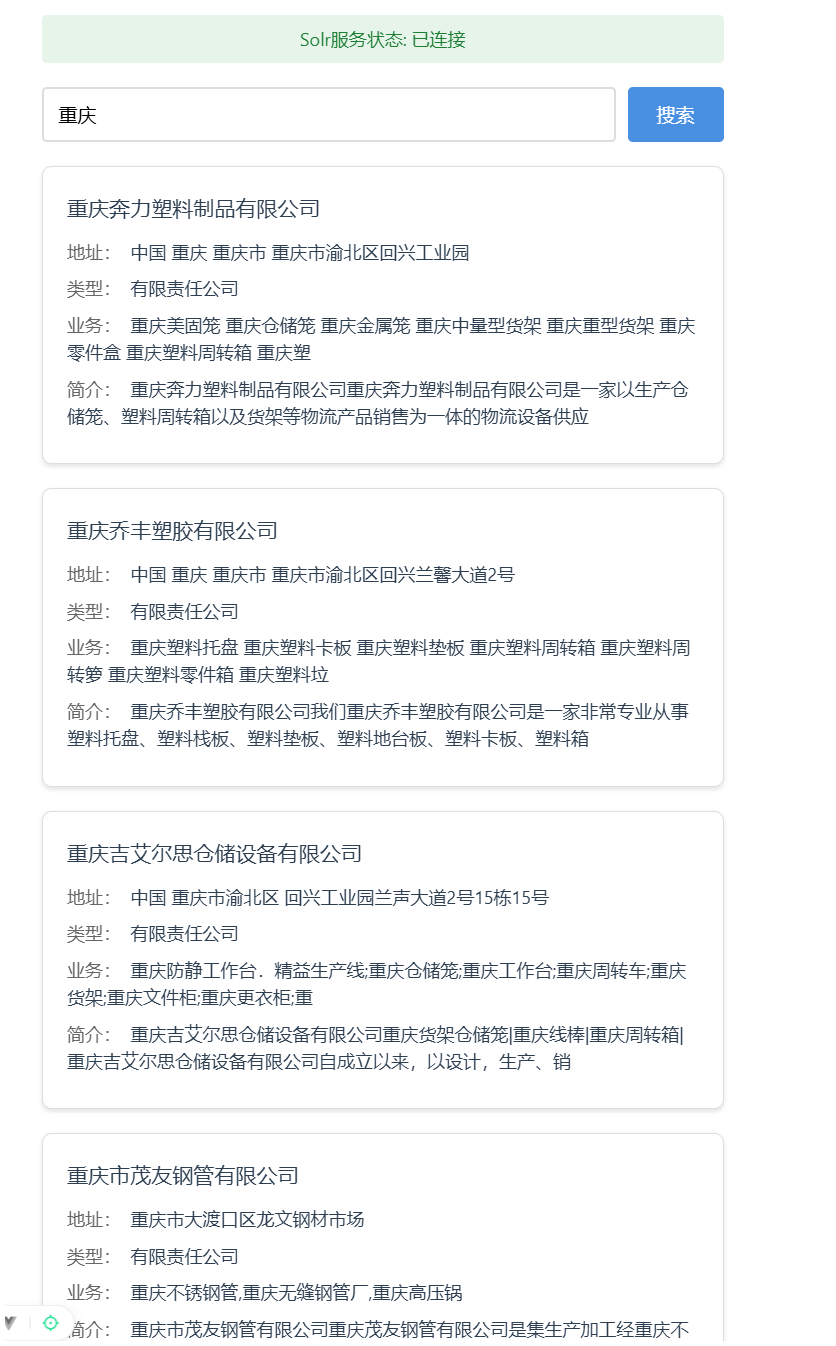
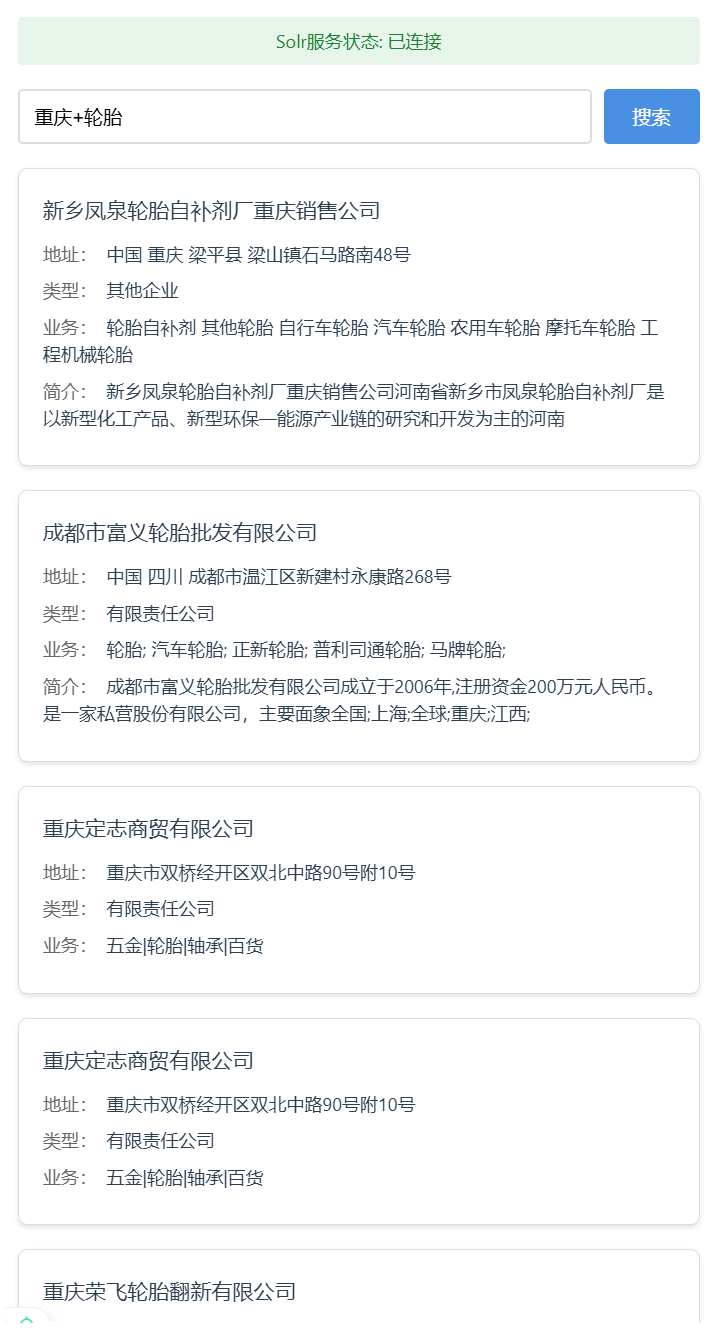
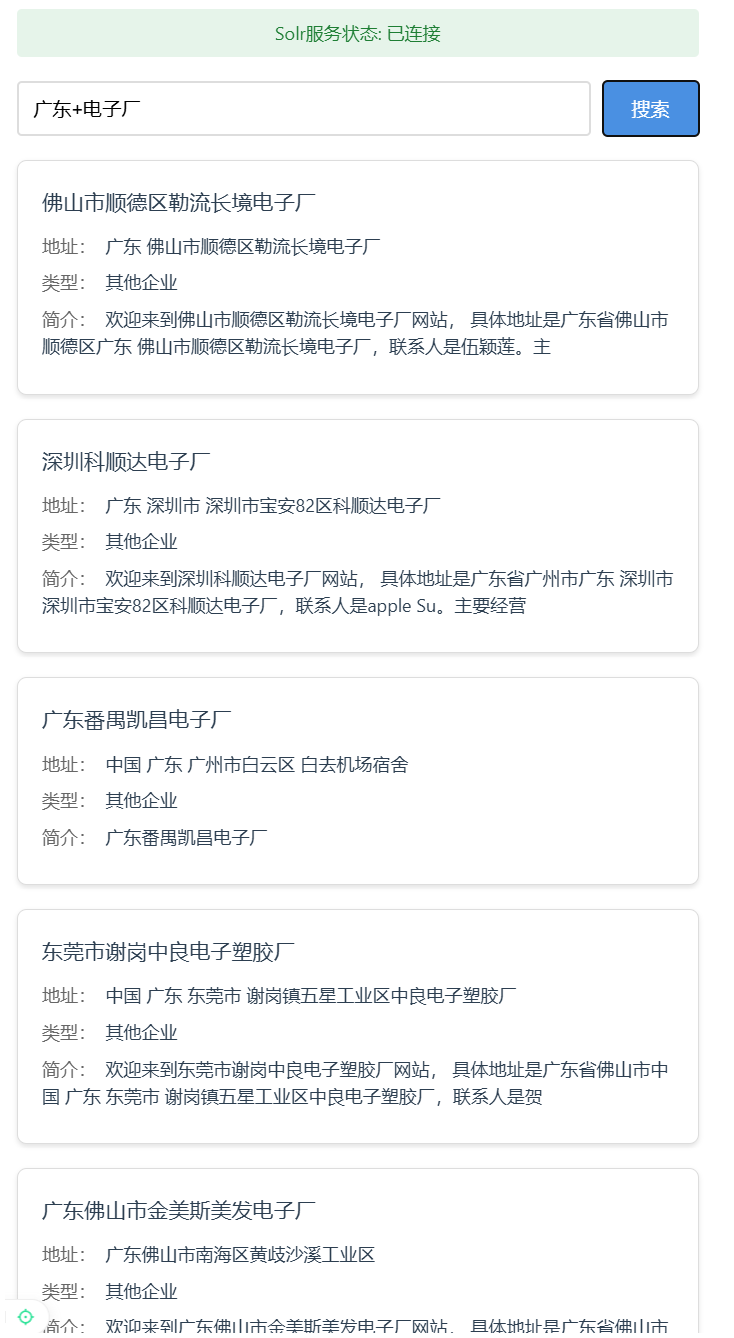
效果演示
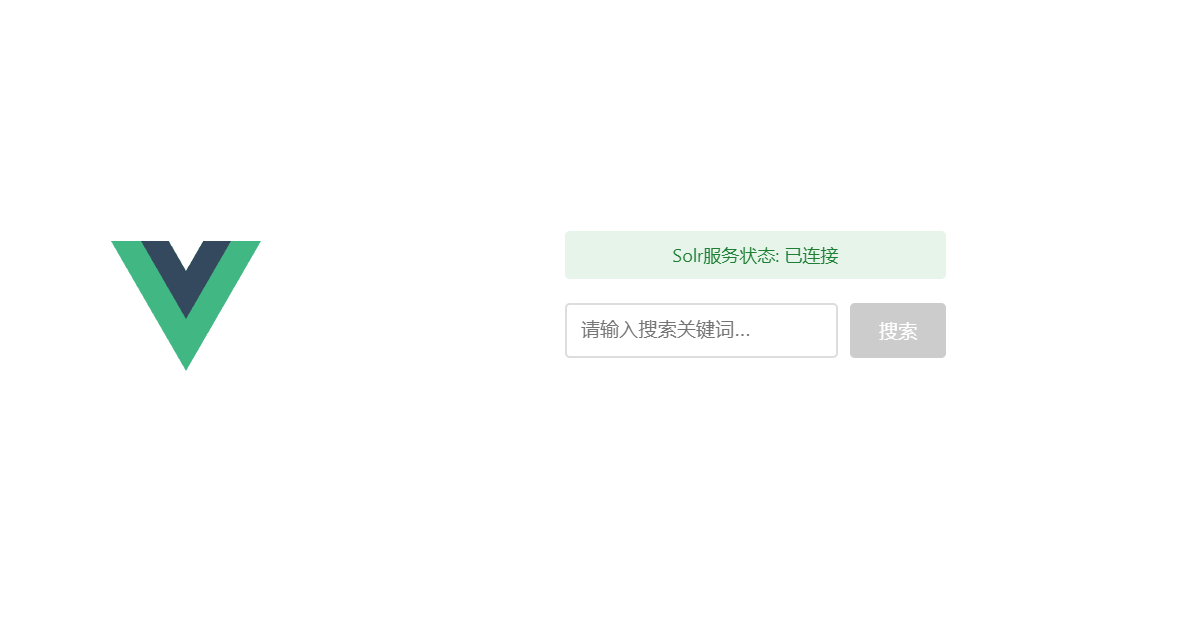
启动Solr服务器 后端springboot 前端vue后
打开前端界面http://localhost:5173/可以查看效果
优化?
功能方面:增加字段筛选,比如从公司里面找,简介里面找
显示方面:高亮关键词